How to Set Up a Home Office That Actually Works for You in 2026
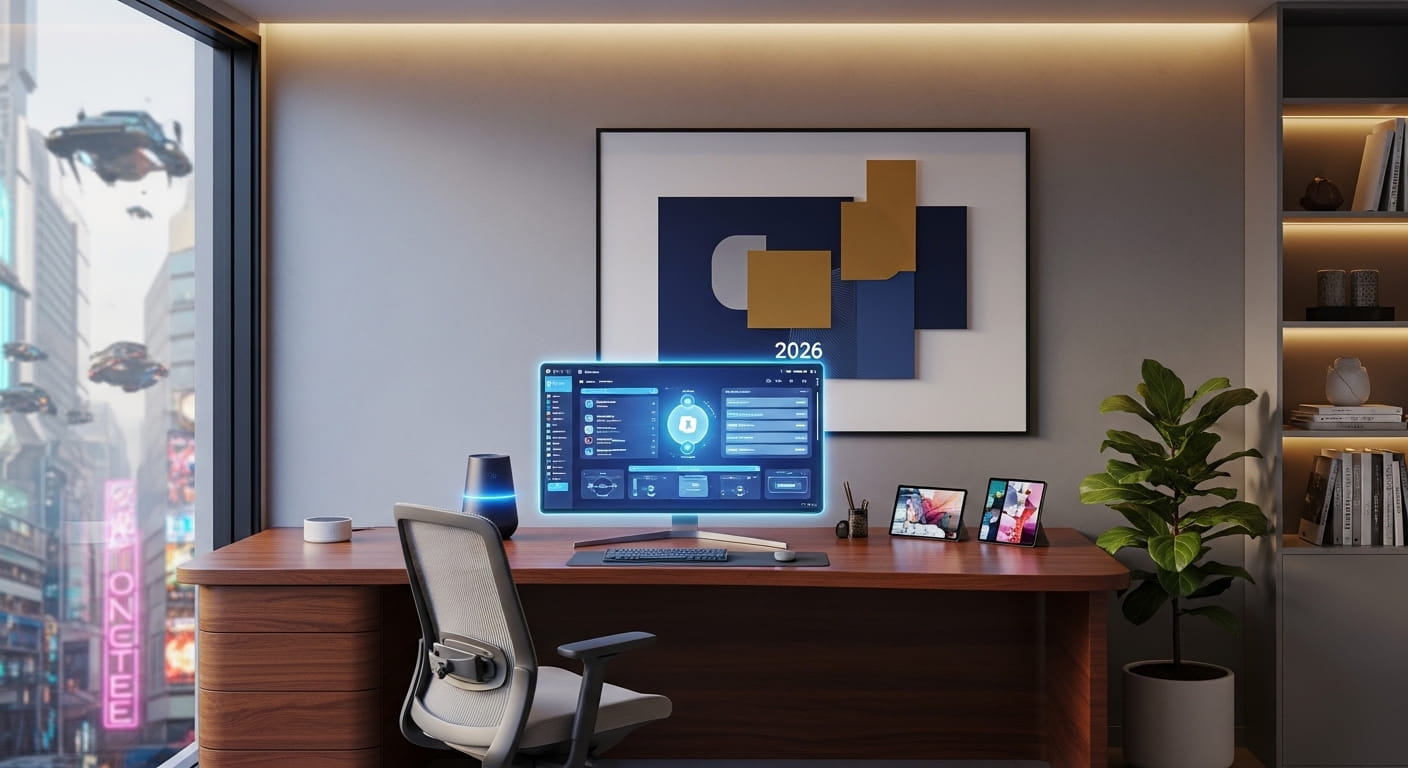
Learning how to set up a home office properly is one of the most important things you can do if you work remotely in the UK. A well-planned workspace reduces back pain, improves focus, and helps you separate work time from home life.
This complete guide walks you through every step, from choosing the right space to picking the right equipment, so you can build a setup that keeps you productive and healthy for years to come.
Why Setting Up a Home Office Correctly Matters
Working from the kitchen table or sofa might feel fine at first. Within weeks, most people feel the consequences in their back, neck, and concentration levels.
A proper home office setup removes daily distractions, supports good posture, and trains your brain to switch into work mode the moment you sit down. It is not a luxury. In 2026, with hybrid and remote working now the norm across the UK, it is a necessity.
Step 1: Choose the Right Space
The first step when you learn how to set up a home office is picking the right location in your home. This decision affects everything else.
Your ideal space should be:
- Quiet with low foot traffic from others in the house
- Away from the TV, kitchen, or any area associated with relaxing
- Large enough for a desk, chair, and some storage
If you have a spare room, use it. A door you can close is worth more than any piece of equipment.
No spare room? A quiet corner of a bedroom works well. Use a tall bookshelf, a curtain, or a room divider to create a visual boundary between your workspace and the rest of the room. That physical separation matters more than people expect.
Space requirements to keep in mind:
| Space Type | Minimum Size Needed |
| Dedicated room | Any size works |
| Corner setup | 1.5 to 2 metres for desk and chair |
| Shared room divider area | 2 metres minimum |
| Garden room or converted garage | Check UK planning rules first |
Step 2: Get Your Furniture Right
Furniture is where most UK home workers get it wrong. Cheap chairs and unsuitable desks cause chronic back and shoulder problems within months.
Choosing Your Desk
Your desk needs to be wide enough for your monitor, keyboard, and mouse without feeling cramped. A surface of at least 120cm wide is ideal for most setups.
A sit-stand desk is one of the best investments you can make. Alternating between sitting and standing throughout the day reduces fatigue, improves circulation, and keeps your energy levels more consistent across the full working day.
Look for models with memory presets so you can switch heights with one button press.
If a full sit-stand desk is outside your budget, a standing desk converter that sits on top of your existing desk costs significantly less and achieves a similar result.
Choosing Your Chair
Your chair is the single most important purchase in any home office setup. You will spend thousands of hours in it. Do not cut corners here.
What to look for in a home office chair:
| Feature | Why It Matters |
| Adjustable lumbar support | Protects your lower back during long sessions |
| Seat height adjustment | Keeps feet flat on the floor and thighs level |
| Adjustable armrests | Prevents shoulder and wrist tension |
| Breathable mesh back | Reduces heat and discomfort over long periods |
| Recline function | Allows natural movement throughout the day |
A quality ergonomic chair in the UK typically costs between £200 and £500. If your budget is tight, look for refurbished Herman Miller or Steelcase chairs from used office furniture suppliers.
These chairs were built to last 12 or more years in commercial offices and often sell for a fraction of their original price.
Step 3: Position Everything Correctly
Buying the right furniture is only half the job. How you position it determines whether your body stays comfortable or breaks down over time.
Monitor Position
Place the top of your monitor at or just below eye level. The centre of the screen should sit about 15 to 20 degrees below your natural eye line. Your screen should be roughly 50 to 70cm from your eyes, depending on the monitor size.
If you use a laptop, raise it with a stand and connect an external keyboard and mouse. Laptop screens placed flat on a desk force your neck down for hours at a time. That causes significant strain very quickly.
Keyboard and Mouse Position
Your keyboard and mouse should sit at a height that keeps your forearms parallel to the floor, with wrists straight. Most dining tables are too high for this. A keyboard tray or raising your chair with a footrest can fix the issue without replacing the desk.
Posture Checklist
- Feet flat on the floor or resting on a footrest
- Knees at roughly 90 degrees
- Lower back lightly pressing against lumbar support
- Shoulders relaxed, not raised or hunched
- Eyes looking slightly downward at the screen
Step 4: Sort Your Lighting
Poor lighting causes eye strain, headaches, and fatigue. It is one of the most overlooked parts of how to set up a home office, yet one of the easiest to fix.
Natural light is best. Position your desk so the window is to the side of your monitor rather than behind it or directly in front.
A window behind you creates screen glare. A window in front forces you to squint into the light.
For overcast UK days and evening work sessions, use a combination of two light sources:
Task lighting directly at your desk for focused work. An adjustable LED desk lamp with colour temperature control lets you shift between warm light for relaxed tasks and cool light for focused concentration.
Ambient lighting in the wider room to avoid your eyes constantly adjusting between a bright screen and a dark background. This reduces eye fatigue significantly over a full working day.
Step 5: Sort Your Internet Connection
A slow or unreliable internet connection is one of the fastest ways to destroy productivity in a home office. This is especially important for video calls, large file transfers, and cloud-based tools.
Recommended internet speeds for UK home working:
| Work Type | Minimum Speed Needed |
| Email and document editing | 10 Mbps download |
| Standard video calls (Zoom, Teams) | 25 Mbps download |
| HD video calls with screen sharing | 50 Mbps download |
| Multiple users in one household | 100+ Mbps download |
If your router is in a different room from your office, a poor Wi-Fi signal will cost you more time and frustration than almost any other issue.
A powerline adapter or a mesh Wi-Fi system can extend strong, stable connectivity to any room in your home without rewiring anything.
A wired Ethernet connection from your router to your desk is the most reliable option of all if it is practical to set up.
Step 6: Choose the Right Equipment
Once your space and furniture are sorted, the equipment you add around them makes a significant difference to comfort and productivity.
Essential Home Office Equipment
| Equipment | What to Look For |
| External monitor | At least 24 inch, Full HD minimum, matte screen preferred |
| Webcam | 1080p for clear video calls, 4K for content creators |
| Headset or microphone | Noise-cancelling for calls from noisy environments |
| Keyboard | Full size with wrist support for long typing sessions |
| Mouse | Ergonomic shape to keep wrist in a neutral position |
| Monitor arm | Positions screen at correct height without taking up desk space |
| Laptop stand | Raises screen to eye level if working from a laptop |
A Second Monitor Is Worth It
A second screen is arguably the highest return-on-investment upgrade for most home office setups. Research suggests dual monitors can improve efficiency by up to 42 percent by eliminating constant window switching. Keep reference material on one screen and active work on the other.
Even a portable USB-C monitor works well if desk space is limited.
Step 7: Manage Your Cables and Keep Things Tidy
Cable clutter creates visual noise that contributes to mental distraction. A tidy desk genuinely helps you think more clearly.
Use cable clips, cable sleeves, or a cable management tray under the desk to keep wires organised and out of sight. A small desk organiser for pens, notebooks, and accessories keeps the surface clear for actual work.
Build a routine of clearing your desk at the end of each working day. Starting the next morning with a clean, ordered workspace takes less than two minutes and makes a noticeable difference to how quickly you settle into focus.
Step 8: Control Noise
Sound becomes a much bigger issue than people expect once home working is a daily reality. Children, neighbours, deliveries, and household noise all interrupt focus at the worst moments.
Practical noise management solutions:
- Noise-cancelling headphones for deep focus sessions and video calls
- A white noise machine or app running in the background to mask irregular sounds
- Soft furnishings like rugs, curtains, and bookshelves that absorb sound rather than reflecting it
- A simple sign on the door signalling to others in the house that you are in a call or focused work session
A room with carpet and soft furnishings will always be quieter and more acoustically comfortable than a room with hard floors and bare walls.
Step 9: Personalise Your Space
A completely sterile office feels uninspiring to work in day after day. Small personal touches make a real difference to how much you want to be there.
A plant on the desk or windowsill improves the feel of the space and can reduce the sense of eye fatigue from staring at a screen all day.
A framed photo, a piece of artwork, or a small collection of objects that mean something to you makes the space feel like yours rather than a functional box.
Scent is something most guides skip entirely. A diffuser with a light fragrance you associate with focus can act as a subtle mental trigger for concentration, similar to the way your chair acts as a physical trigger for work mode.
How to Set Up a Home Office on a Budget
You do not need to spend thousands to create a functional, healthy workspace. Prioritise in this order and add over time:
Priority 1: Good chair (protect your back above everything else) Priority 2: Correct desk height and monitor position Priority 3: Reliable internet connection Priority 4: Proper lighting Priority 5: External monitor and peripherals
Budget breakdown by tier:
| Budget Level | Approximate Spend | What You Get |
| Starter | £300 to £600 | Used ergonomic chair, basic desk, desk lamp, keyboard and mouse |
| Mid-range | £600 to £1,200 | Quality ergonomic chair, sit-stand desk, external monitor, webcam |
| Professional | £1,200 to £2,500+ | Premium chair, motorised desk, dual monitors, professional audio and lighting |
Home Office Tax Relief in the UK
One thing most guides miss entirely: if you are employed and work from home in the UK, you may be able to claim tax relief on home office costs through HMRC.
Self-employed workers can claim a portion of home running costs including heating, electricity, and broadband as business expenses.
Check HMRC’s current guidance on working from home allowances. The rules are updated regularly, so always verify the current figures for the 2025/26 and 2026/27 tax years directly with HMRC or your accountant.
Final Thoughts and Experience
After spending time working from various setups, the single most important lesson is this: your chair and your monitor position matter far more than the brand of your desk or how stylish the room looks.
Get those two things right first. Then add lighting. Then internet. Then everything else at your own pace over time.
The best home office is not the most expensive one. It is the one that keeps you comfortable, focused, and healthy across years of daily use.
Start with one improvement today. Move your monitor to the correct height. Buy a better chair. Fix your lighting. Even one change makes the next working day noticeably better.
Frequently Asked Questions
How do I set up a home office in a small space?
Use a corner desk to maximise floor space, mount your monitor on a wall arm instead of a stand, and use vertical wall shelving for storage.
A room divider or tall bookshelf can create a clear boundary between your workspace and the rest of the room without using extra floor area.
What is the most important piece of equipment when setting up a home office?
Your chair. You will spend more time in it than using any other piece of equipment. A quality ergonomic chair with adjustable lumbar support, seat height, and armrests protects your back and posture during long working days. Never compromise on this.
How do I set up a home office for video calls?
Position yourself facing a window or with soft lighting in front of your face. Use a dedicated webcam at eye level rather than a built-in laptop camera.
Invest in a noise-cancelling headset or USB microphone so your audio is clear. A plain or tidy background behind you looks professional on screen.
What internet speed do I need to work from home in the UK?
For standard video calls on Zoom or Microsoft Teams, you need at least 25 Mbps download speed.
For HD calls with screen sharing, 50 Mbps is recommended. If multiple people in your household work or study online simultaneously, aim for 100 Mbps or more.
Can I claim tax relief for setting up a home office in the UK?
Yes. Employed workers can claim tax relief on home working costs through HMRC. Self-employed workers can claim a proportion of home running costs as business expenses.
The exact amounts and eligibility criteria are updated annually, so check directly with HMRC or speak to an accountant for your specific situation.
How do I reduce back pain when working from home?
Set up your chair so your feet are flat on the floor, your knees are at 90 degrees, and your lower back has proper lumbar support.
Position your monitor at eye level so you are not looking down. Take short breaks every 45 to 60 minutes to stand, stretch, or walk. A sit-stand desk that lets you alternate positions throughout the day makes a significant long-term difference.
How do I separate work and home life when my office is at home?
Have a dedicated workspace with a door you can close if possible. Start and finish work at consistent times each day.
Build a short routine before and after work, such as a walk, to signal to your brain that work time is beginning or ending. Never work from your sofa or bed.
How much does it cost to set up a home office in the UK?
A basic but functional home office setup costs between £300 and £600. A mid-range setup with a quality ergonomic chair, sit-stand desk, and external monitor typically costs £600 to £1,200.
A premium professional setup with dual monitors, motorised desk, and professional audio and video equipment costs £1,200 to £2,500 or more.
What furniture do I need to set up a home office?
The essentials are a desk at the right height, an ergonomic chair with lumbar support, and a monitor raised to eye level.
Everything else, including storage, desk accessories, and décor, can be added gradually. Start with furniture that protects your health and posture first.